Client Post Planner · Features
Your client approves with one tap
Send drafts over and give the client their link. They read each post and tap Approve or ask for a change. No login for them.
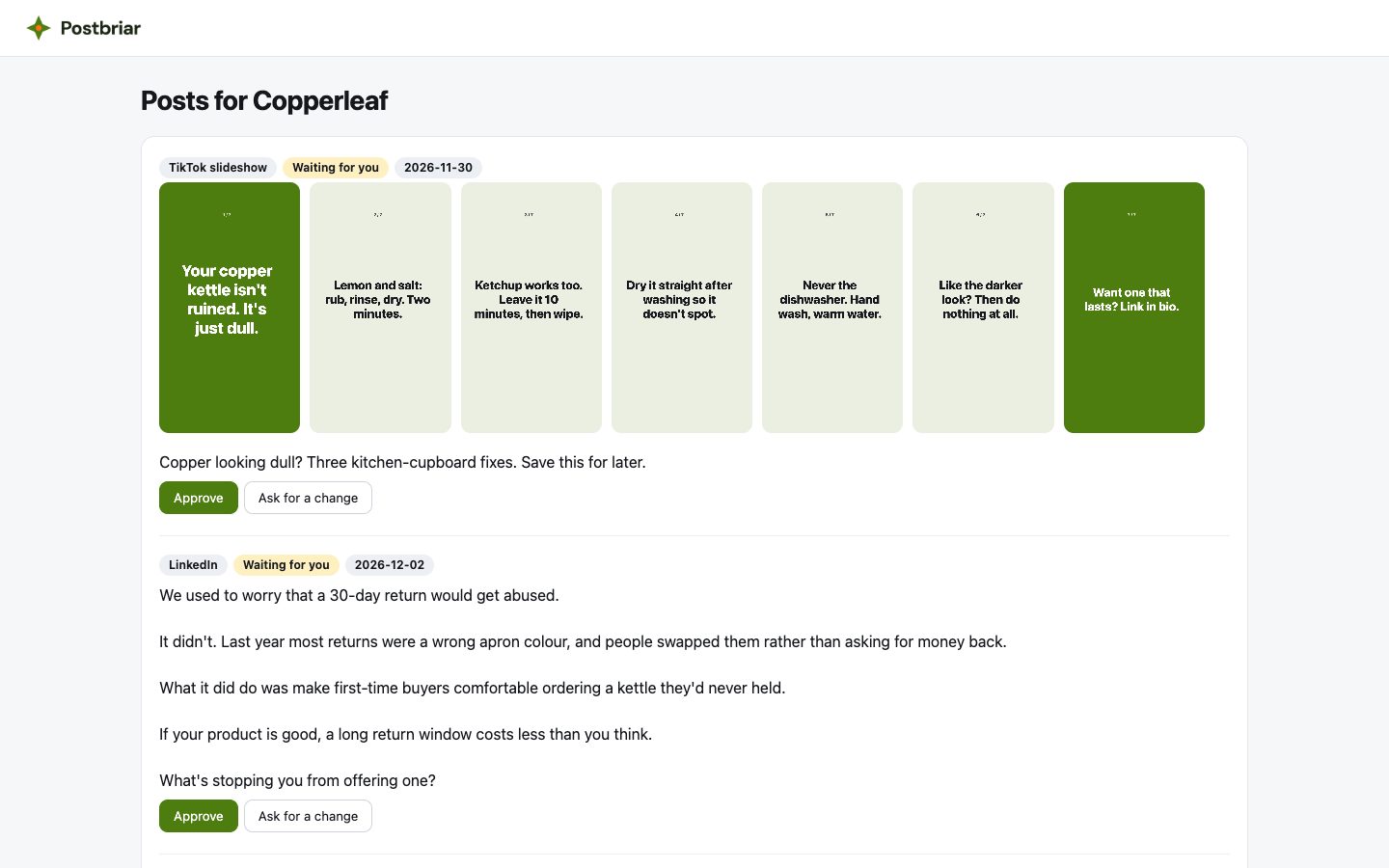
A real screen of Client Post Planner, with sample data.
Send the drafts over and give the client their own link. They see only the posts waiting for them and tap Approve, or Ask for a change and say what.
Their note lands on the post and it goes back to draft. You fix it and send it again. Make a new link whenever you like and the old one stops working.
- One private link per client
- Notes come back on the post
- Make a new link any time
How to use it
- Press Send drafts for approval.
- Copy their link and send it.
- Watch the posts turn Approved.
More in Client Post Planner
Write a month of posts
Pick the client, the kind of post, how many and the first day. Client Post Planner writes them in the client's voice and puts them on the calendar.
TikTok slideshows
Slideshow posts come out as finished slides in the client's colour. Add your own photos behind them and download the pictures.
Your own AI
Client Post Planner writes with your own AI account. Gemini and Groq give free keys, and you can switch to OpenAI, Claude or OpenRouter.